
 nuggscripts.com
 Join our Discord
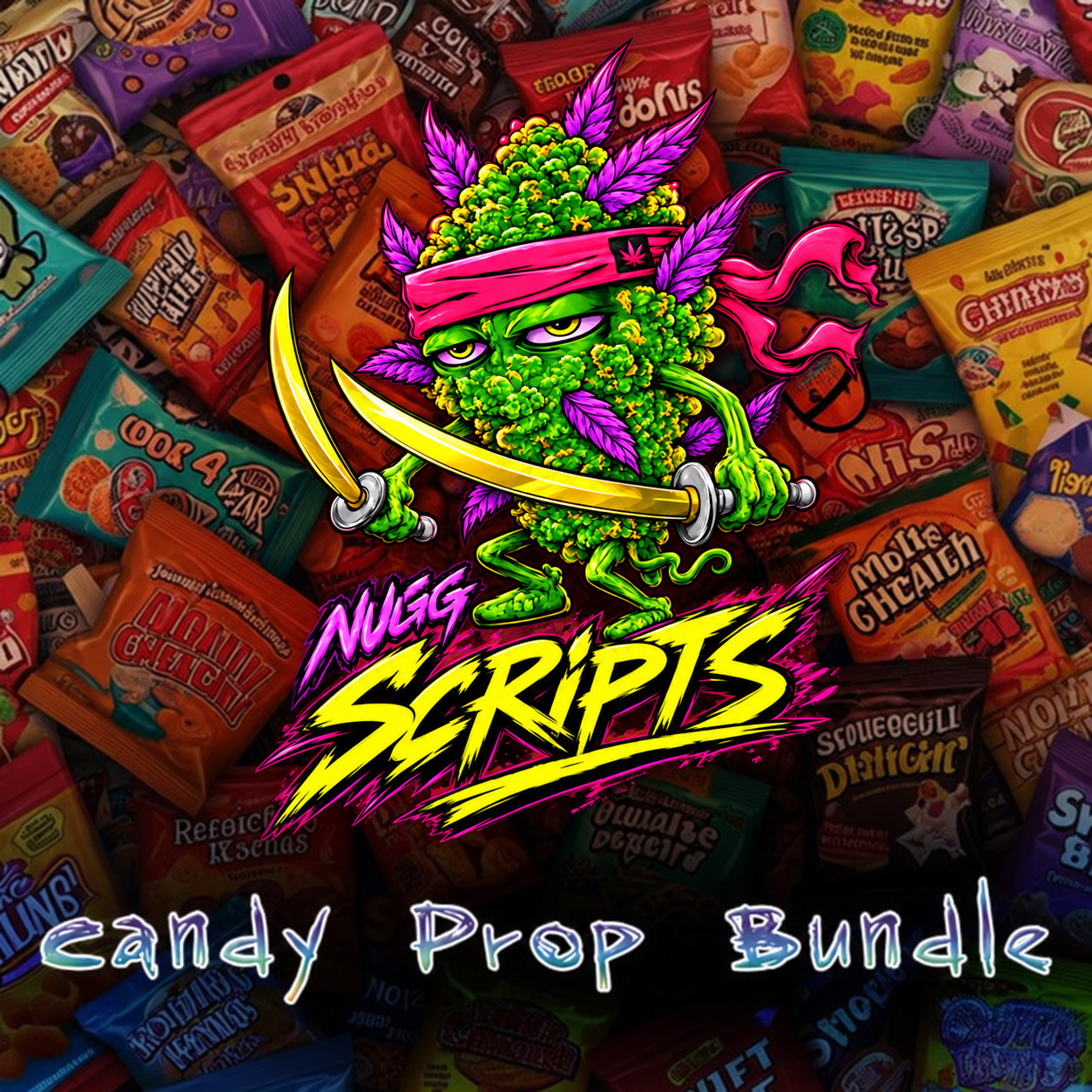
Eleven original candy and snack bars as in-world props with matching inventory icons, plus a Stoner Hill vending unit to sell them from. Built for basic-needs and food scripts, with the ox_inventory item and shop Lua already written for you.
12 propsInventory iconsVending unitox_inventory code includedESX · QBCore
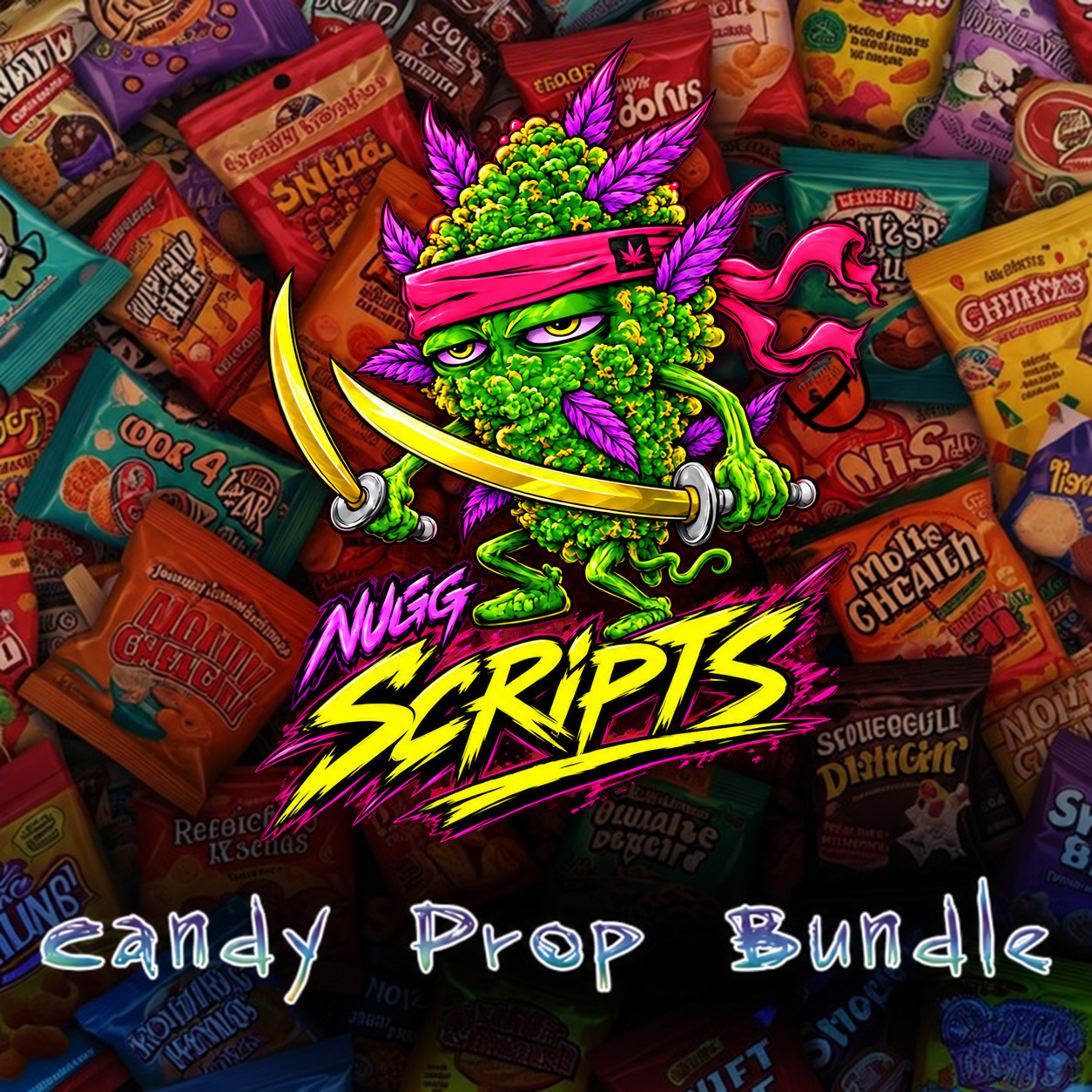
Nugg's Candy Bar Bundle
| Type | Prop pack — models plus inventory icons |
| Contents | Eleven candy and snack props plus a matching Stoner Hill vending unit — twelve models in all, each with a transparent PNG inventory icon |
| File types | .ydr models and PNG icons |
| Frameworks | ESX Legacy and QBCore |
| Inventories | ox_inventory and qb-inventory |
| Targeting | ox_target and qb-target |
| Code included | ox_inventory items.lua and shop entries, ready to paste |
| Delivery | FiveM asset grant to your Cfx.re account |
| Support | Discord ticket after purchase |
The twelve props
Each shot shows the in-world prop and the inventory icon that ships with it. Click any image for full size.
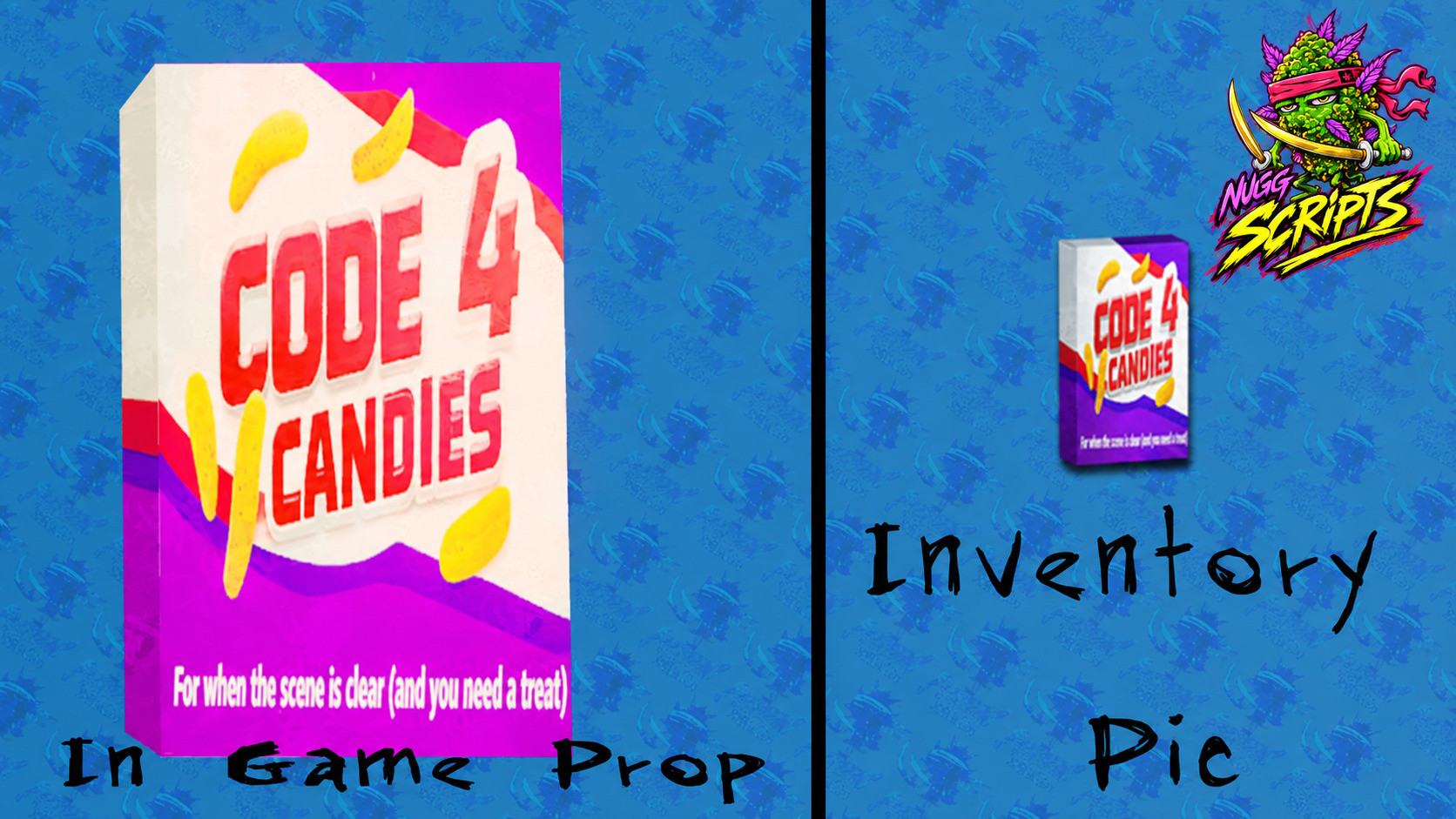 Code 4 Candies | 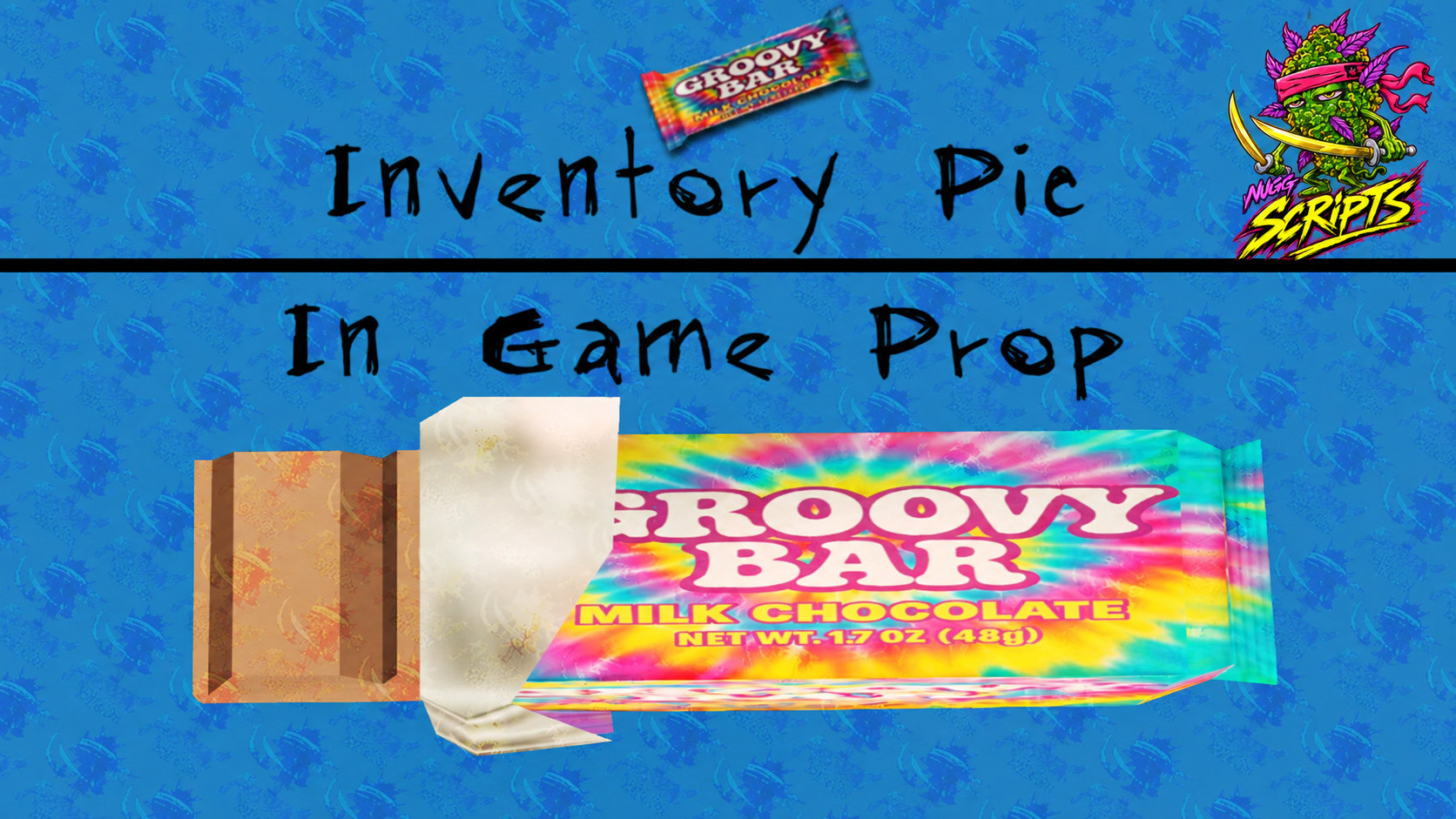 Groovy Bar |
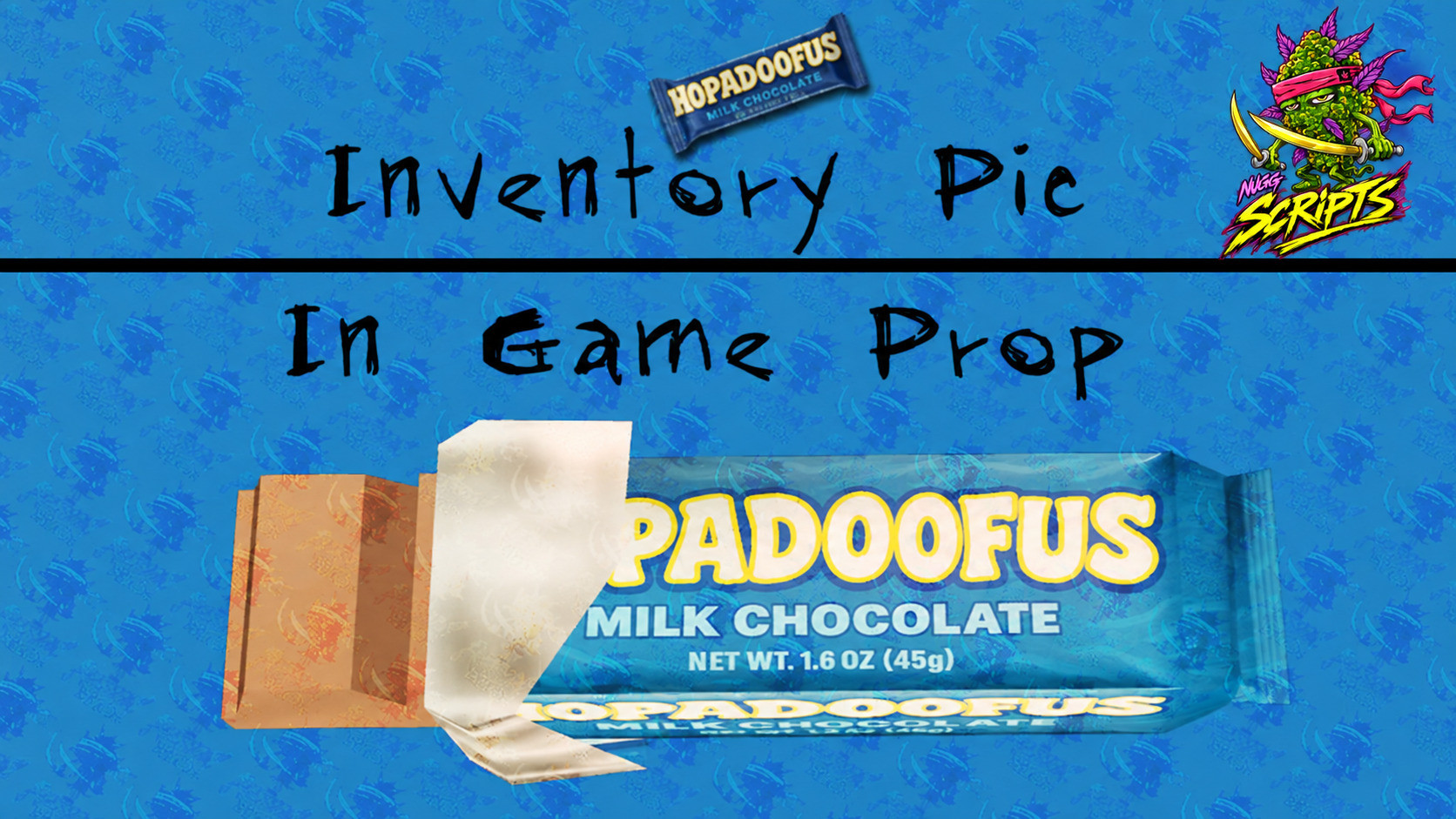 Hopadoofus | 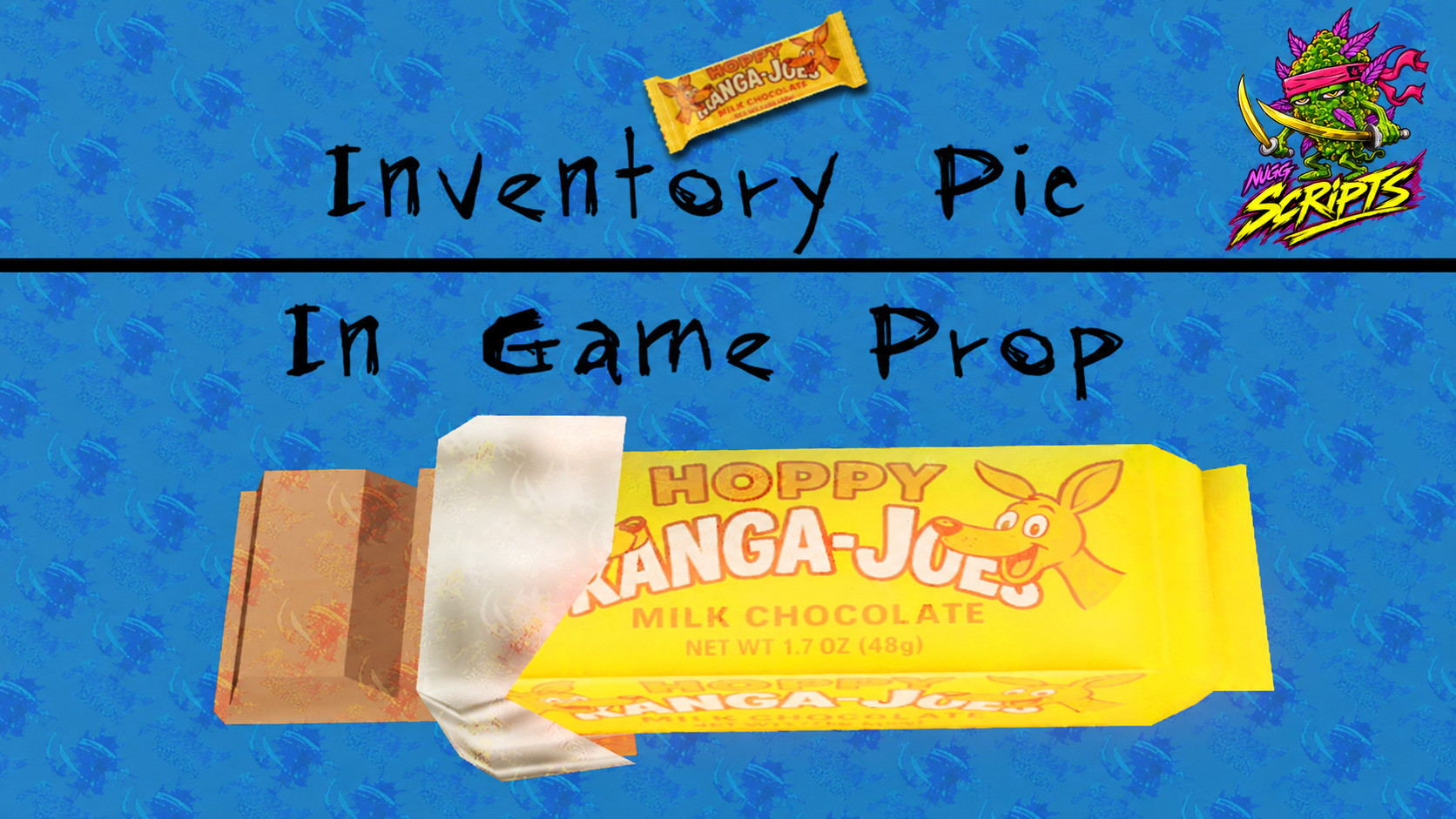 Hoppy Kanga Joes |
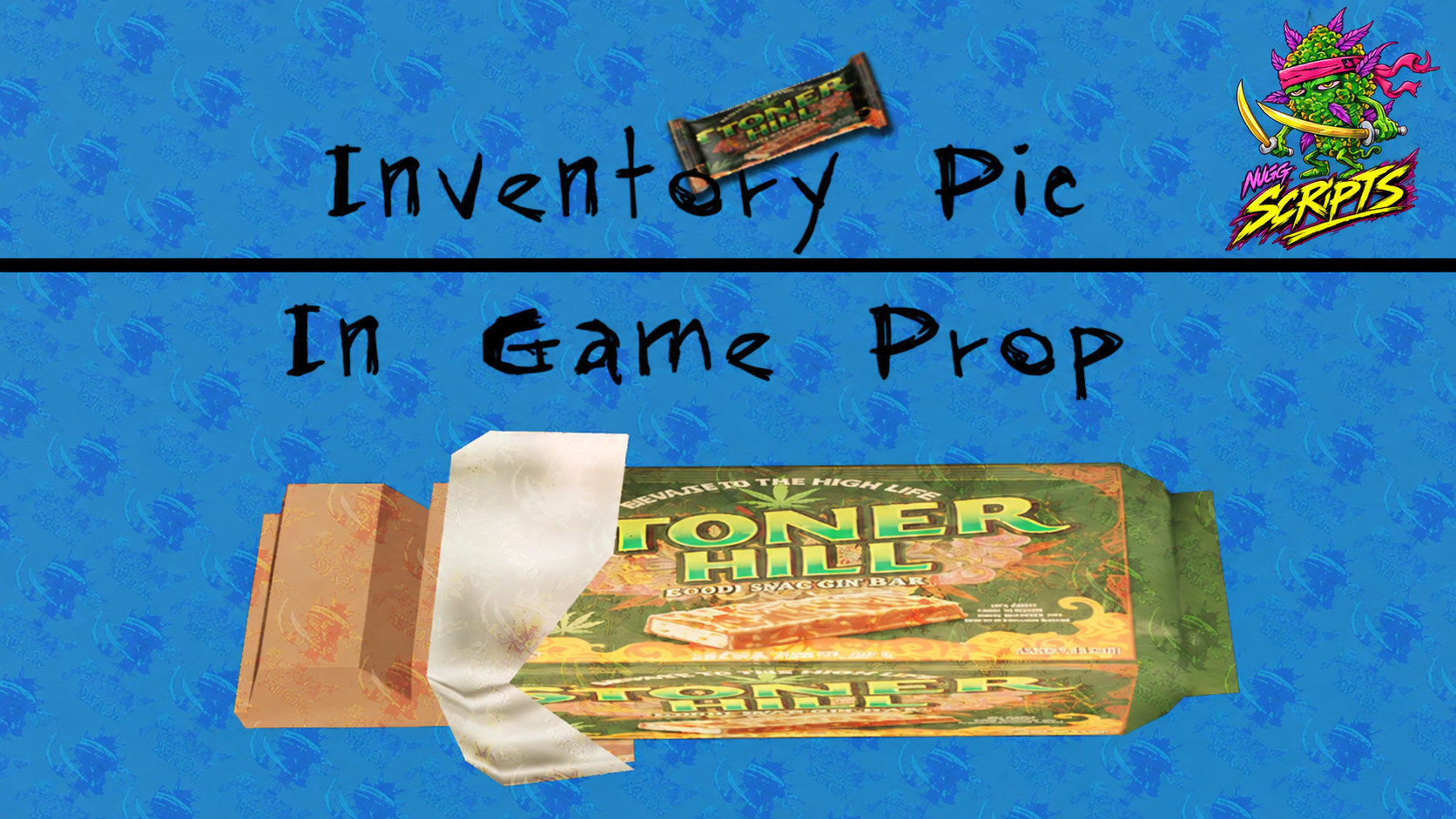 Stoner Hill | 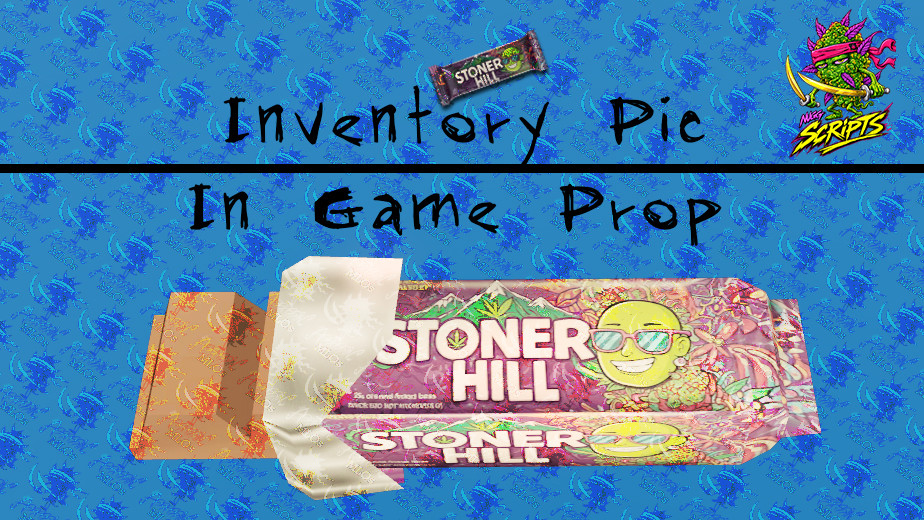 Stoner Hill vending unit |
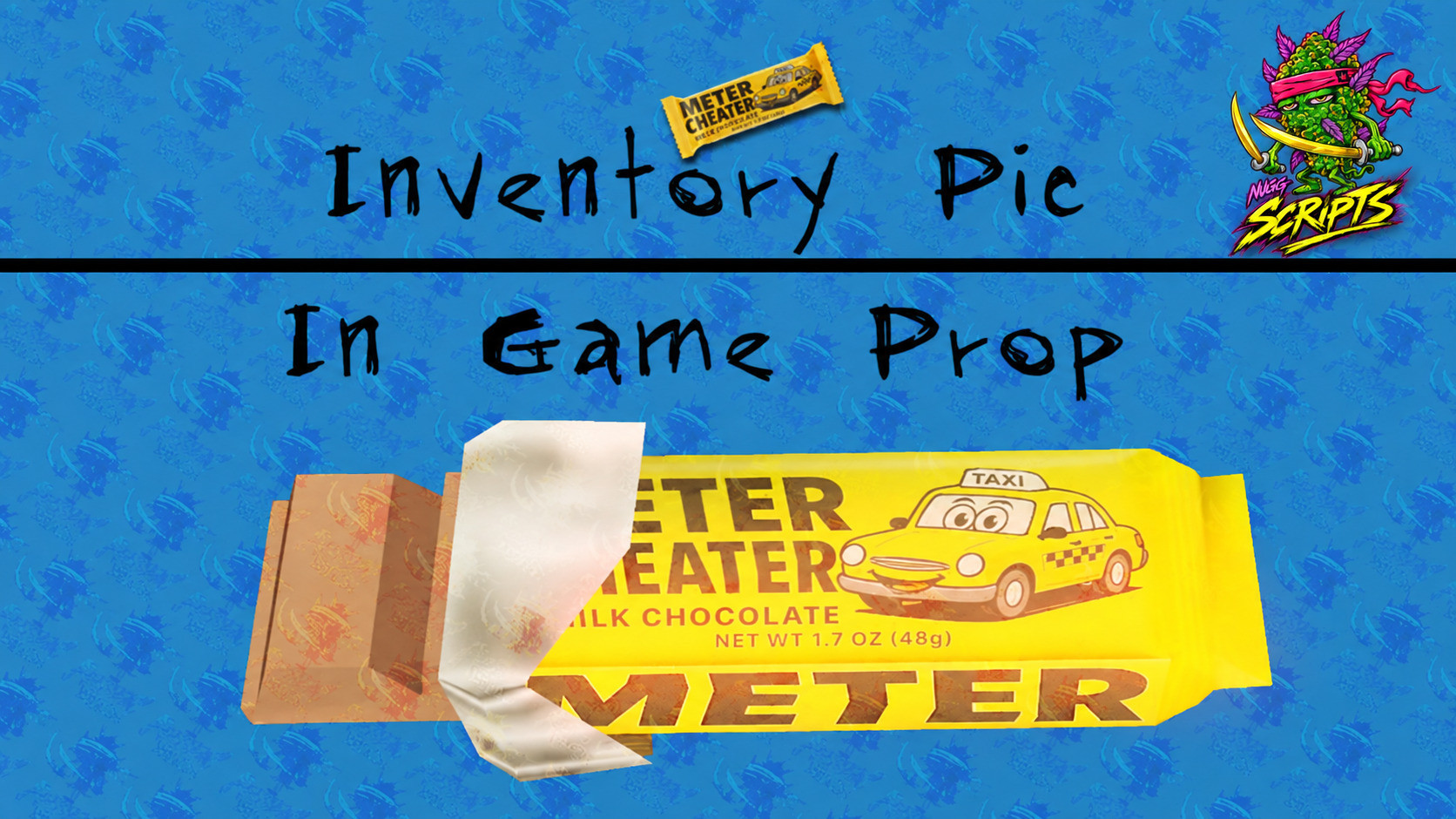 Metercheater | 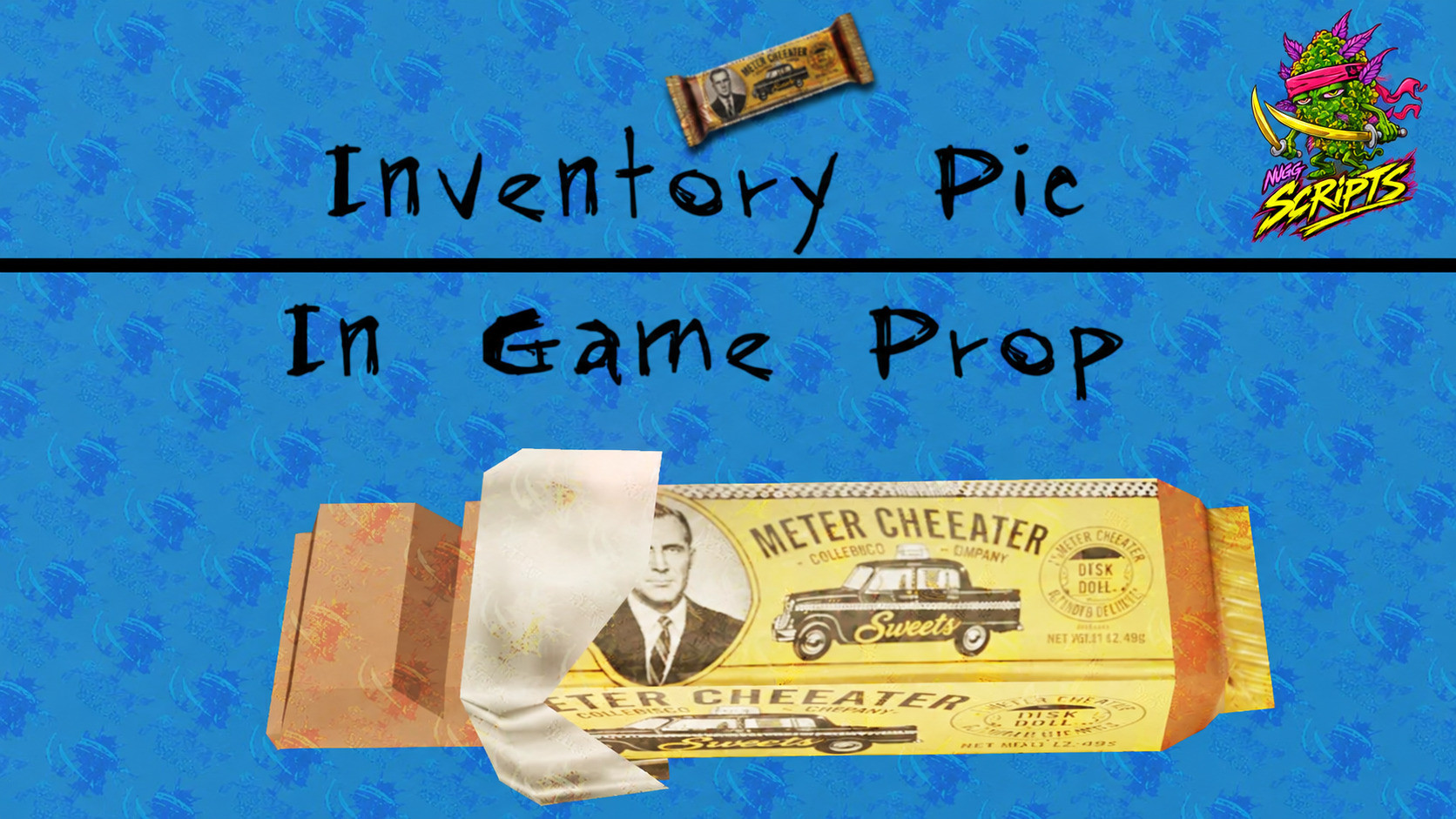 Metercheater 2 |
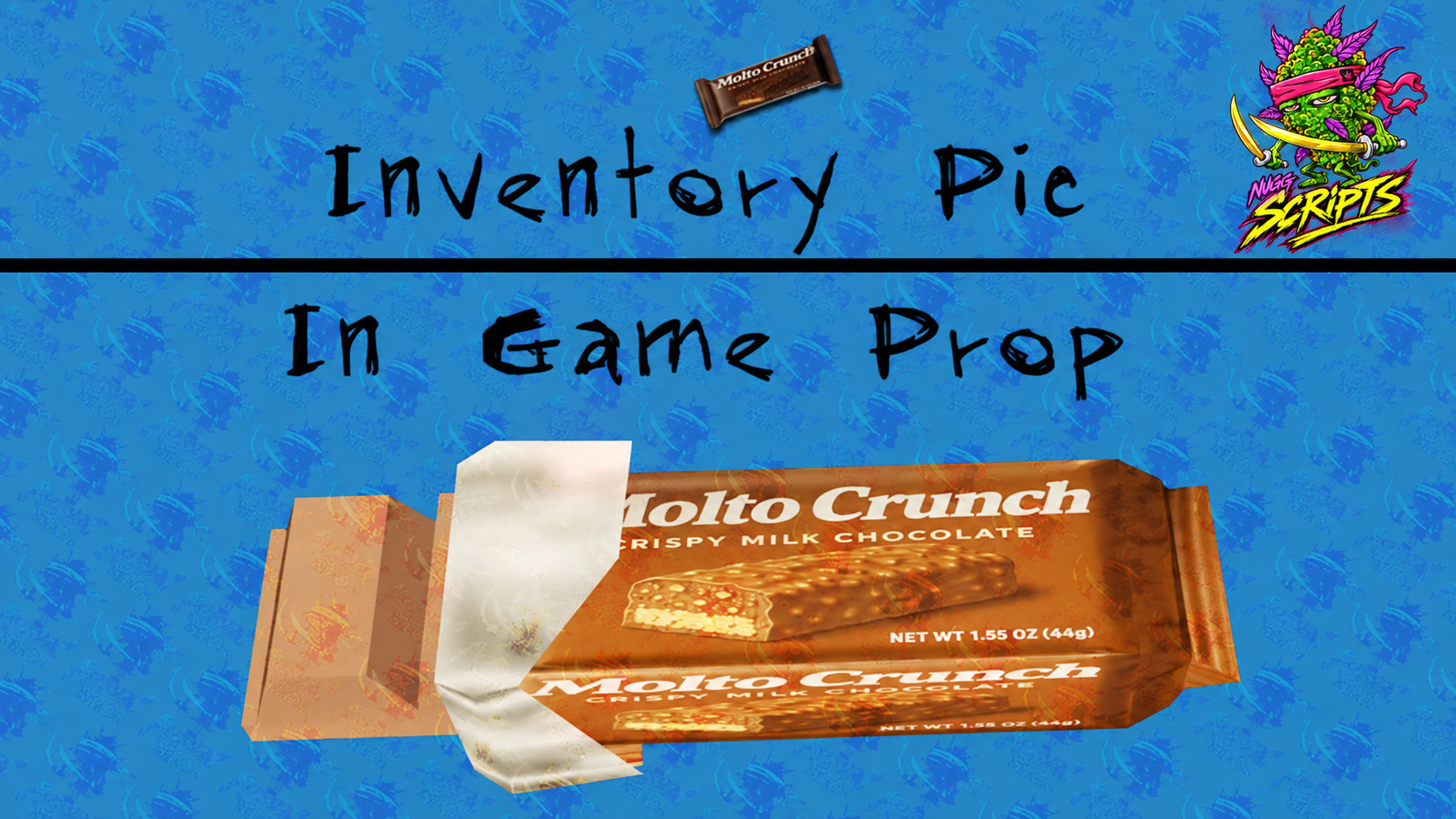 Molto Crunch | 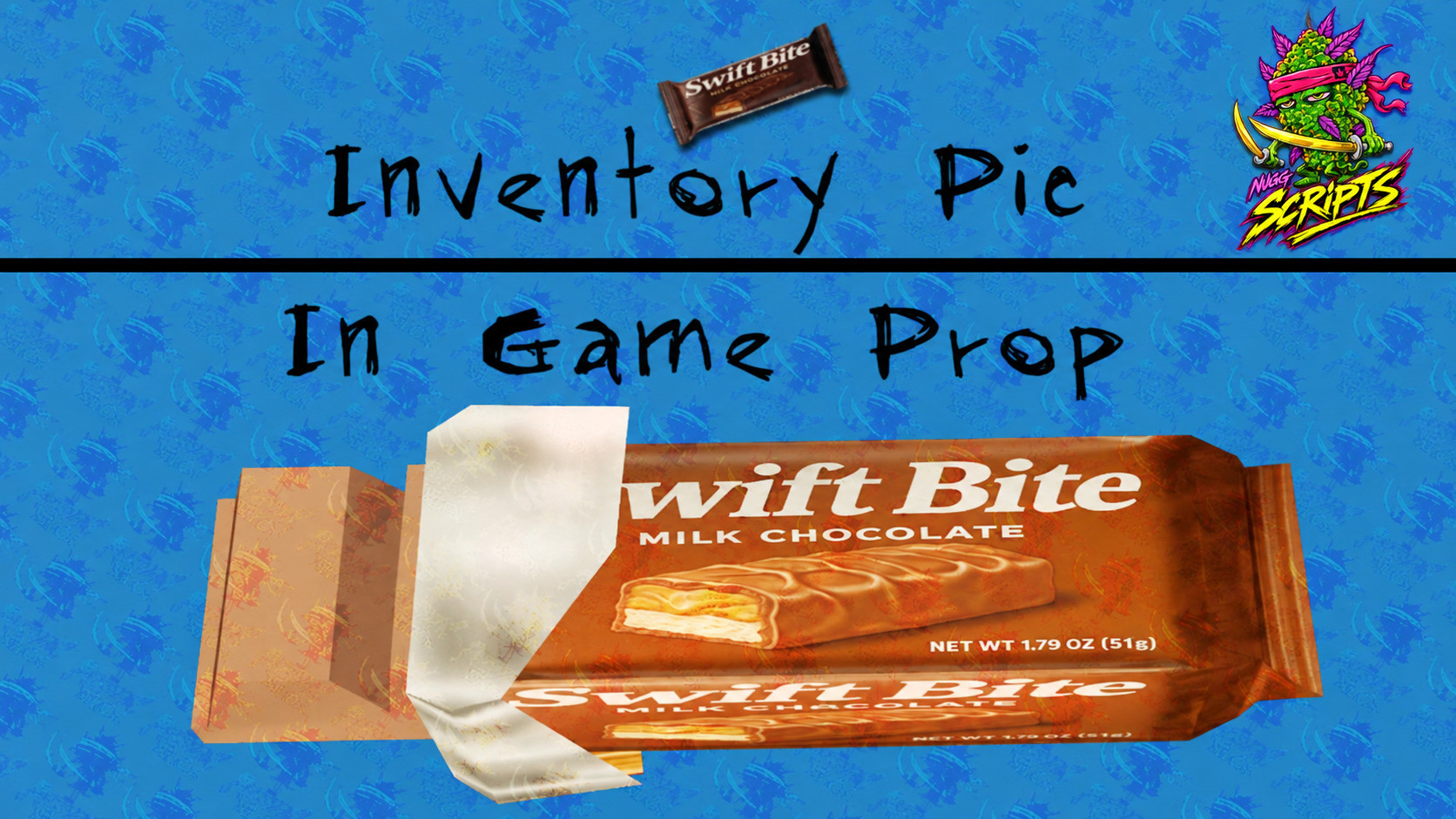 Swift Bite |
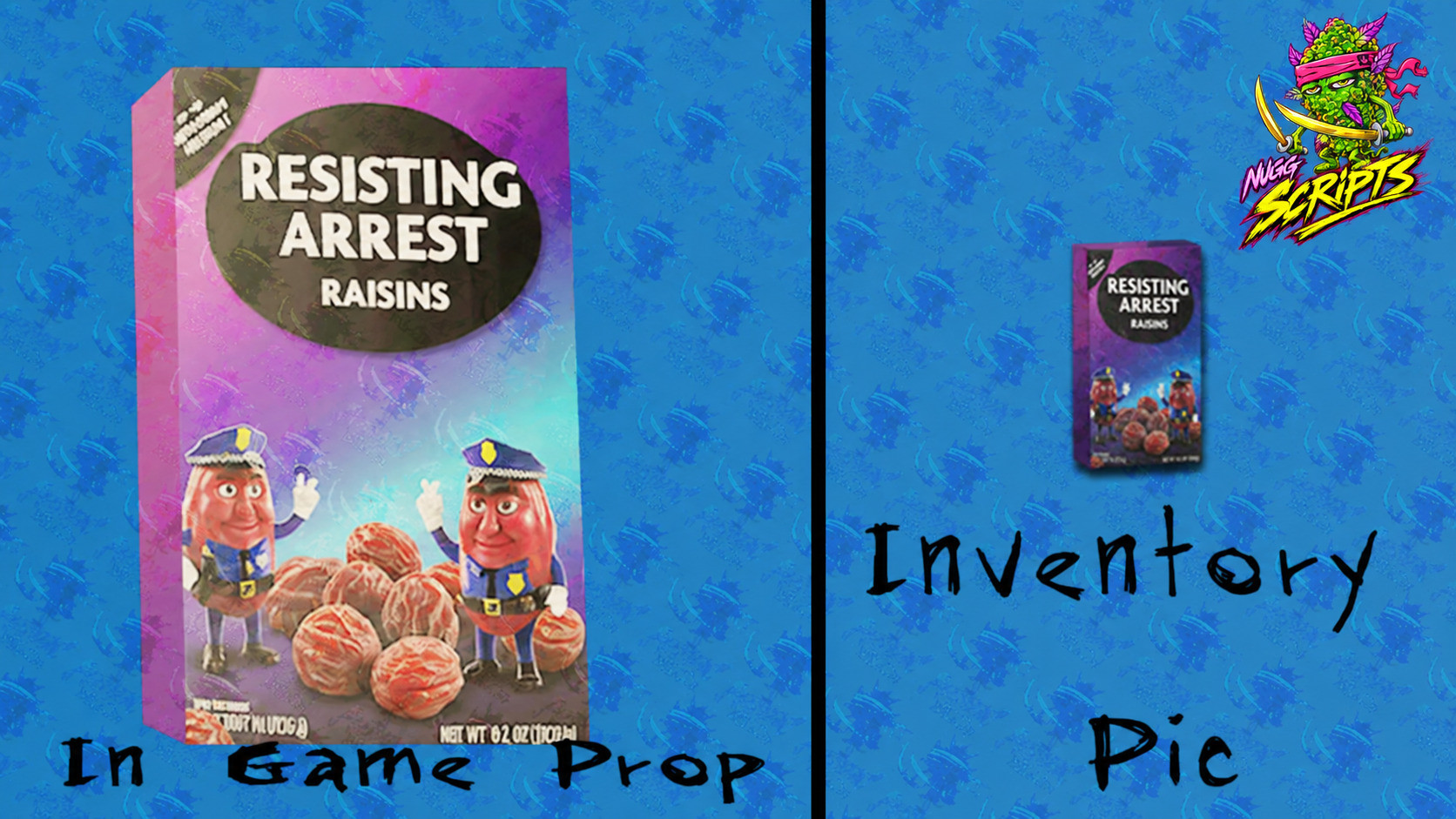 Resisting Arrest Raisins | 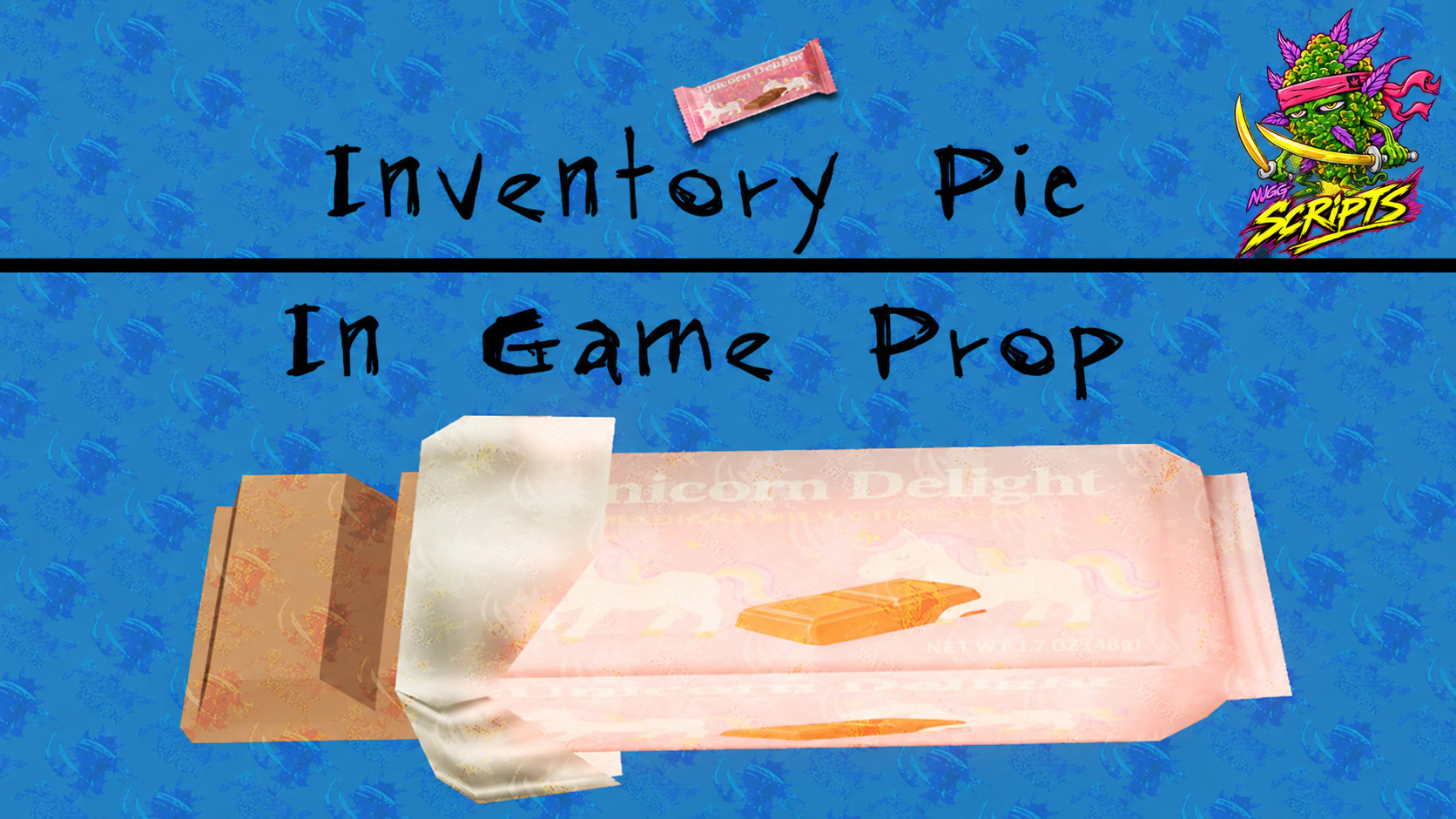 Unicorn Delight |
Why it is more than a model pack
- Every prop ships with its inventory icon, so items look finished the moment you add them — no placeholder squares.
- The ox_inventory item definitions and shop entries are written and ready to paste, which is normally the fiddly part of adding new consumables.
- Metadata friendly, so durability, effects and consumption animations all work as they would on any other item.
- Names and wrappers are original parodies, not real-world brands.
What it does not do
- No script is included — this is props, icons and item definitions. You still need a basic-needs, food or shop resource to consume them.
- The vending unit is a prop, not a working vending script. Point your own target or shop resource at it.
- No MLO or interior is included.
Want to see more?
Every prop in the pack is pictured above, in-world and as its inventory icon. If you want a closer look at something specific before buying, ask in Discord and it will be posted for you.
Before you buy
The pack is granted to the Cfx.re account you check out with. Log in with the account that owns your server keys — a grant on the wrong account is the most common delivery problem there is, and Cfx limits how often an asset can be transferred.
Install
- Buy the pack. It appears in your Cfx.re granted assets, under the account you were logged in with at checkout.
- Download it and drop the folder into your
resourcesdirectory. - Add
ensure nugg_candy_propsto yourserver.cfg. - Copy the supplied item definitions into your inventory's items file, and the shop entries into your shop config.
- Restart the server. The props spawn by model name and the icons appear in the inventory UI.
Documentation nuggscripts.comInstall steps, gamebuild notes and the fixes for what usually goes wrong. | Support discord.gg/x4yKq6UATVOpen a ticket after purchase. Include your server artifact and gamebuild. |