
 nuggscripts.com
 Join our Discord
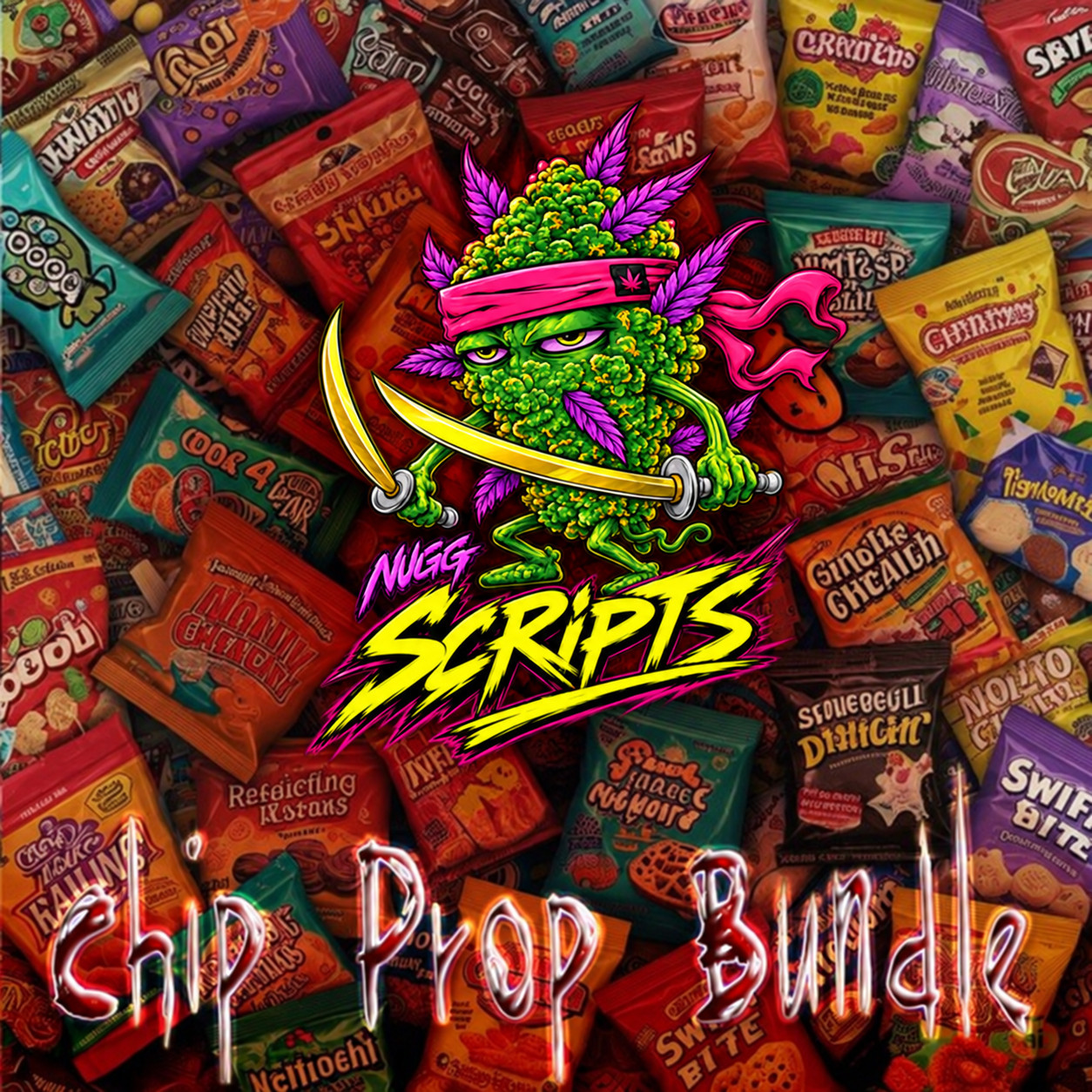
Thirty-plus original crisp and snack props with matching inventory icons — the widest of the three packs, built to fill a convenience store shelf without every bag looking the same.
30+ propsInventory iconsLow resmonShop shelvesESX · QBCore
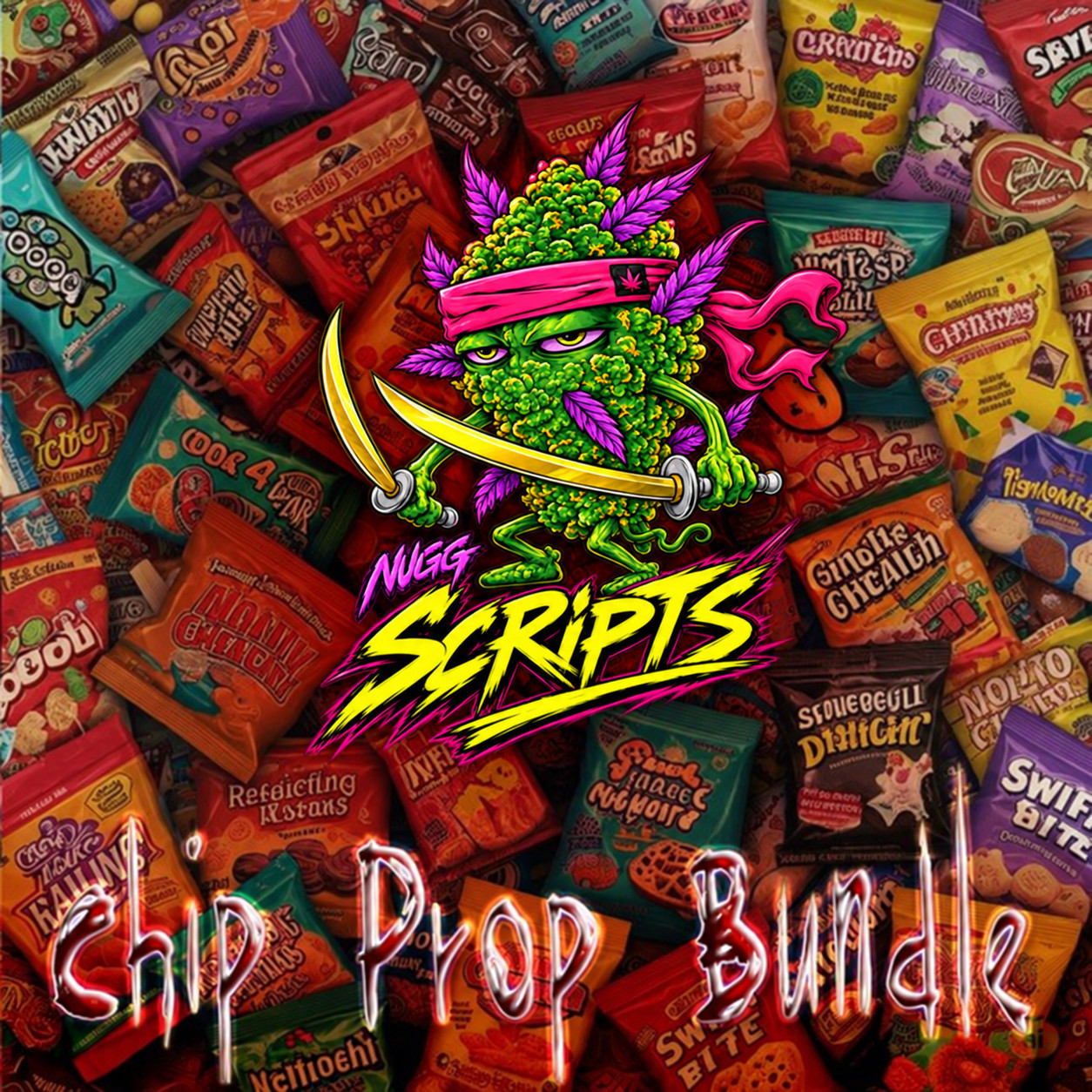
Nugg's Chip Prop Bundle
| Type | Prop pack — models plus inventory icons |
| Contents | 30+ snack props, each with an inventory icon |
| File types | .ydr models and PNG icons |
| Frameworks | ESX Legacy and QBCore |
| Inventories | ox_inventory and qb-inventory |
| Built for | Basic-needs, hunger and thirst systems; shops and convenience stores |
| Performance | Optimised for low resmon impact |
| Delivery | FiveM asset grant to your Cfx.re account |
| Support | Discord ticket after purchase |
The props and their icons
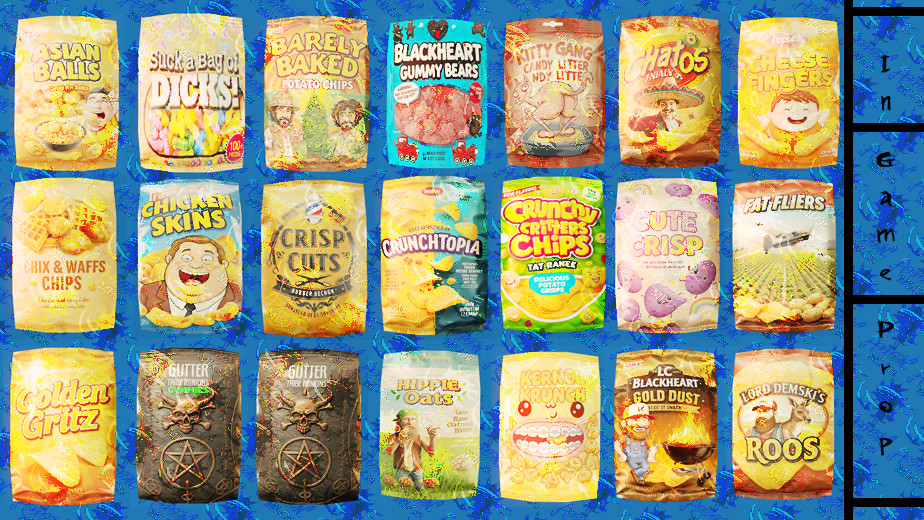 In-world props, sheet 1 | 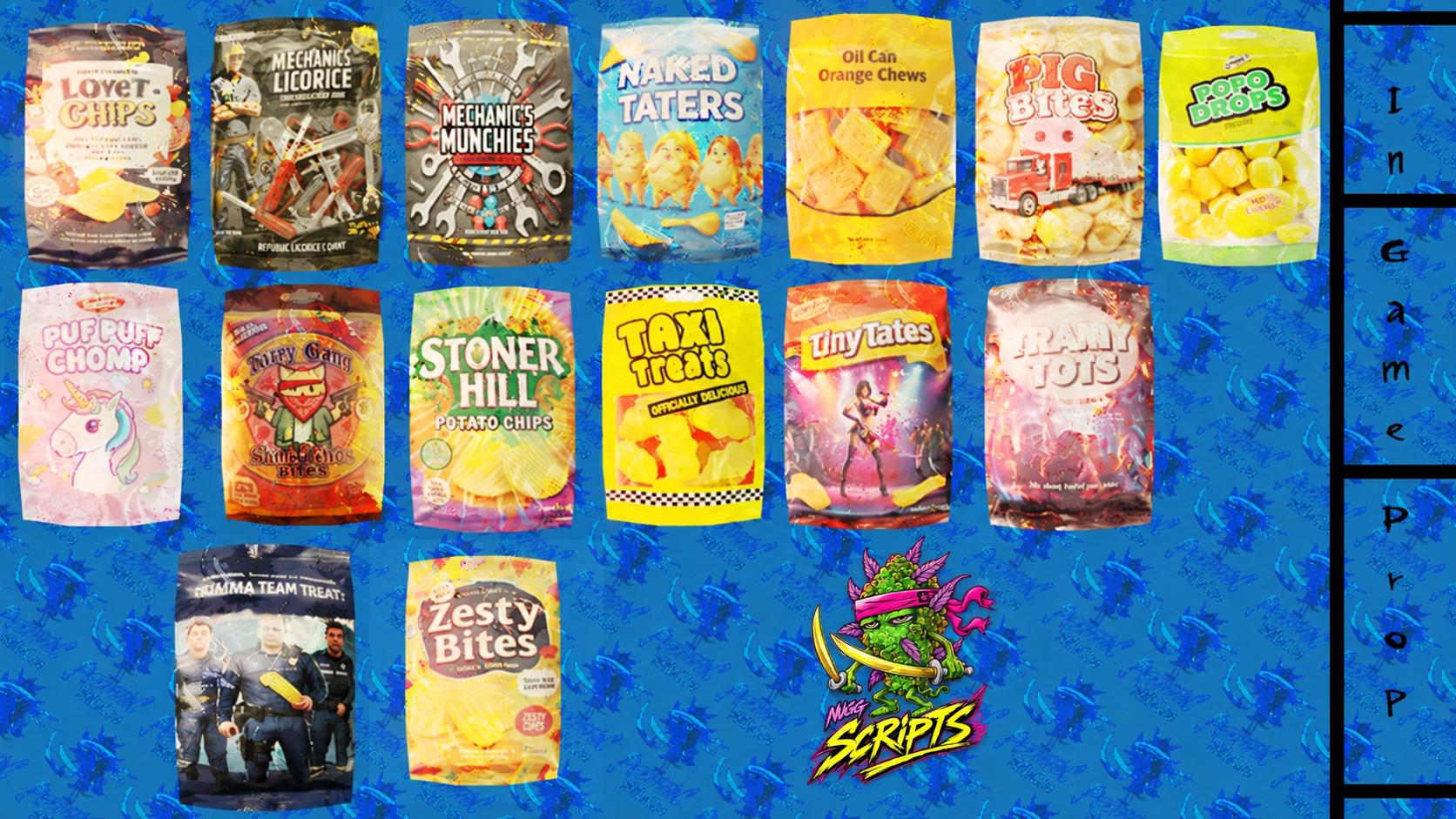 In-world props, sheet 2 |
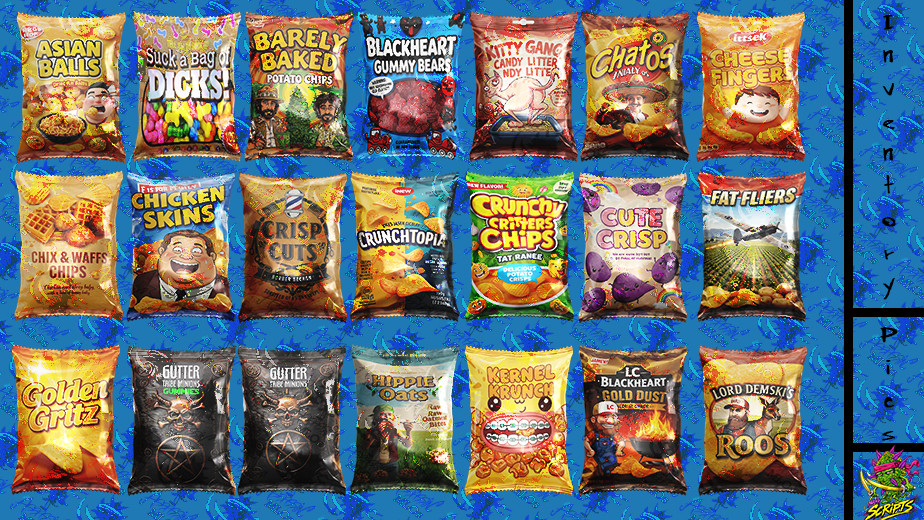 Inventory icons, sheet 1 | 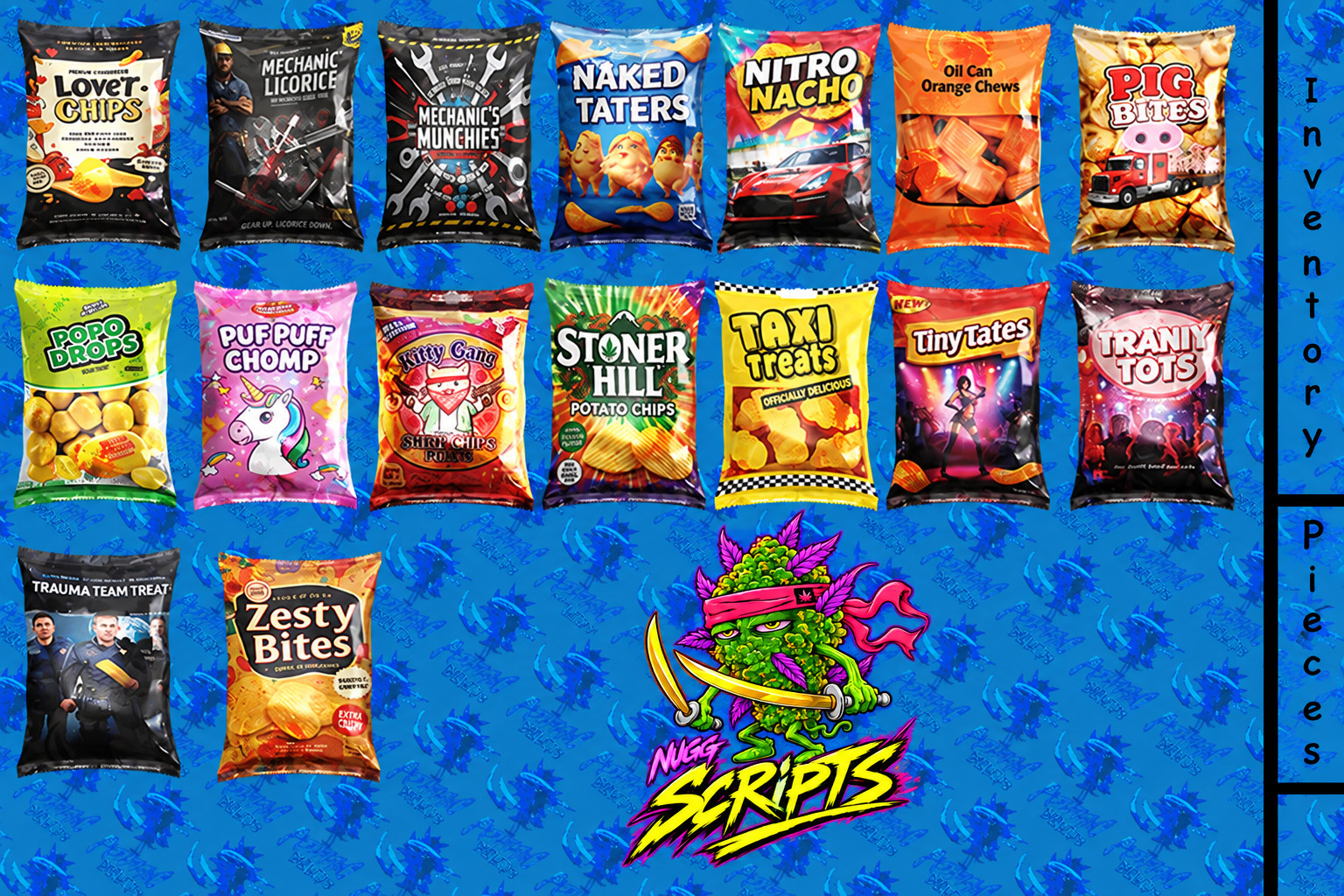 Inventory icons, sheet 2 |
Some of what is inside
- Cheese Fingers, Crunchy Critters Chips, Fried Chicken Skins.
- Puff Puff Chomp, Gutter Tribe Minions.
- Lord Demski’s Roos, LC Blackheart Gold Dust.
- Plus the rest of the thirty — enough variety that a shop shelf reads as stocked rather than duplicated.
Where it fits
- Convenience stores, gas stations and gang-run corner shops.
- Hunger and thirst systems that need more than three item icons.
- Inventory UI variety — every prop has its own icon rather than sharing a generic one.
- Comedy and branded RP props, since the names are original parodies rather than real brands.
What it does not do
- No script is included — props, icons and nothing that makes them edible on its own.
- Item and shop Lua is not pre-written for this pack the way it is for the candy and soda bundles; you add the item definitions yourself.
- No MLO or interior is included.
Want to see more?
Every prop in the pack is pictured above, in-world and as its inventory icon. If you want a closer look at something specific before buying, ask in Discord and it will be posted for you.
Before you buy
The pack is granted to the Cfx.re account you check out with. Log in with the account that owns your server keys — a grant on the wrong account is the most common delivery problem there is, and Cfx limits how often an asset can be transferred.
Install
- Buy the pack. It appears in your Cfx.re granted assets, under the account you were logged in with at checkout.
- Download it and drop the folder into your
resourcesdirectory. - Add
ensure nugg_chip_propsto yourserver.cfg. - Copy the supplied item definitions into your inventory's items file, and the shop entries into your shop config.
- Restart the server. The props spawn by model name and the icons appear in the inventory UI.
Documentation nuggscripts.comInstall steps, gamebuild notes and the fixes for what usually goes wrong. | Support discord.gg/x4yKq6UATVOpen a ticket after purchase. Include your server artifact and gamebuild. |